Top 5 Page Builders for 2025 – Why Breakdance Builder Leads the Pack
When it comes to designing modern, lightning-fast, and conversion-focused websites, the right page builder can…
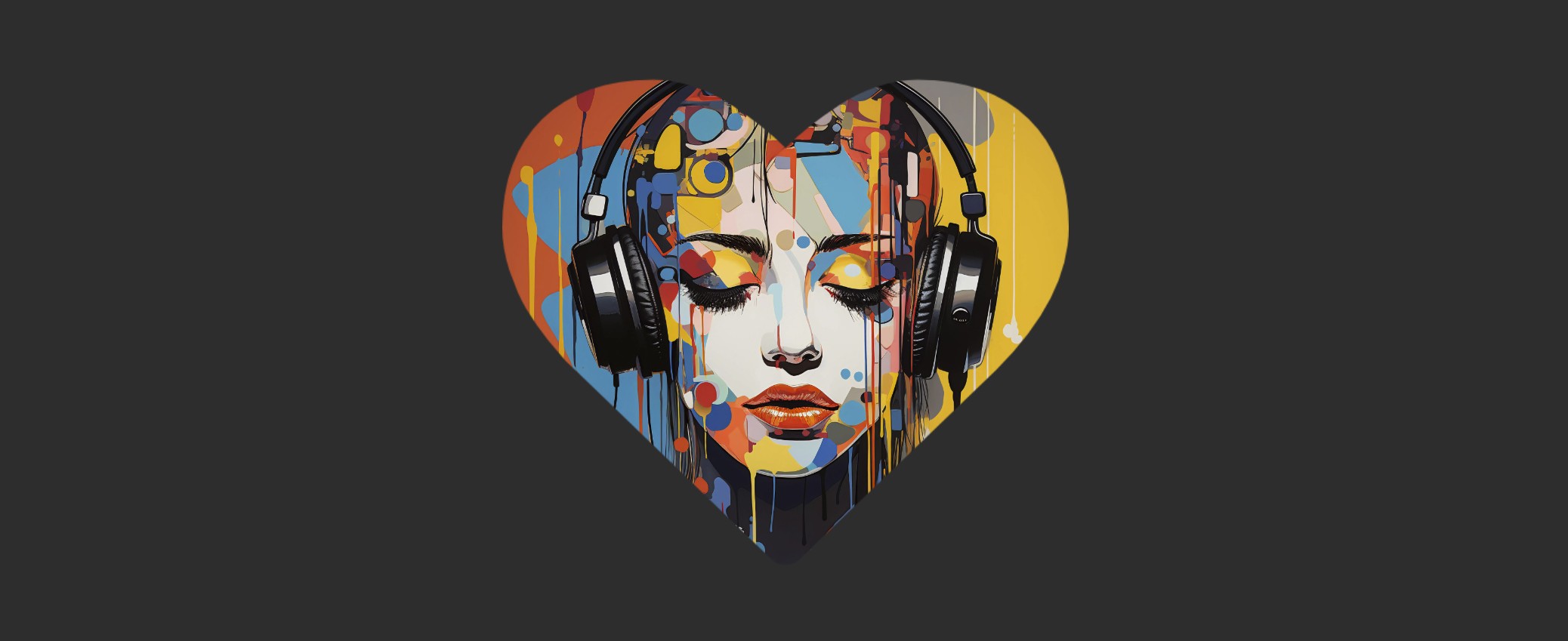
Using masks in Breakdance Builder allows you to create unique shapes, cutouts, and effects for elements like images, text, and sections. Masks help you achieve modern, creative designs without needing custom CSS or external design tools.
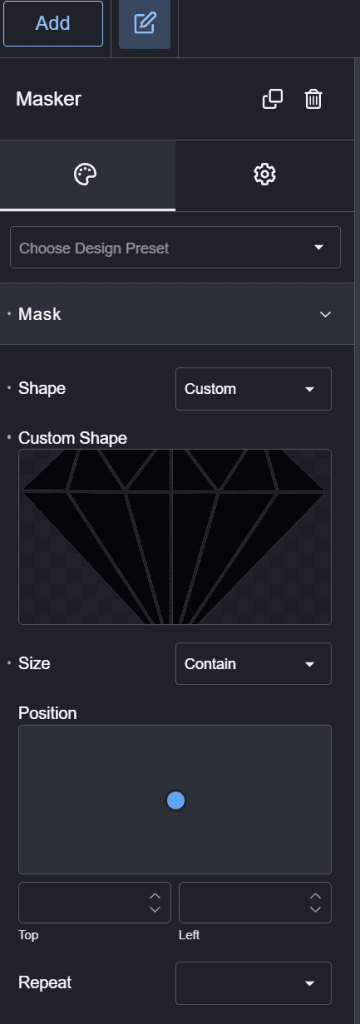
Once the mask is applied, fine-tune its appearance:
✔ Size – Choose between Auto, Contain, or Cover depending on how you want the mask to fit.
✔ Position – Adjust where the mask appears on the element (Center, Left, Right, etc.).
✔ Repeat – If using an image mask, you can tile or stretch it.
✔ Invert (Optional) – Flip the masked and visible areas for creative effects.
✅ Use high-quality PNGs for sharp masks.
✅ Combine masks with overlays for cool effects.
✅ Test responsiveness to ensure the mask looks good on all screen sizes.
Using masks in Breakdance Builder allows you to create visually stunning effects with ease. Whether you want to crop images into custom shapes, overlay creative patterns, or cut out sections dynamically, masks offer endless design possibilities.
Now go ahead and experiment with masks to take your Breakdance designs to the next level!